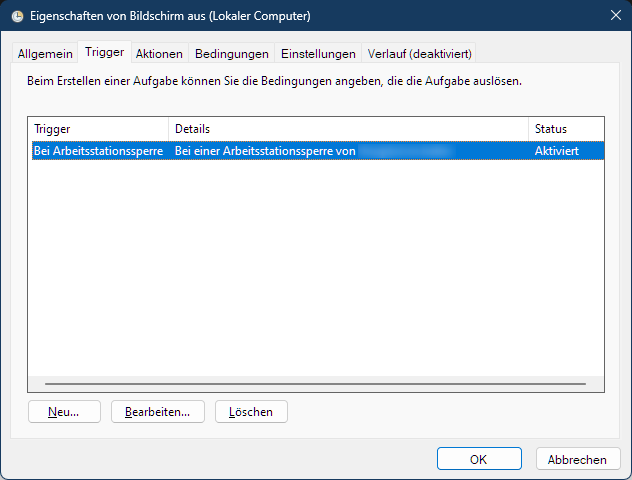
It makes no sense to leave the monitor on when the device is locked. This PowerShell command sends the monitor to energy saving immediately.
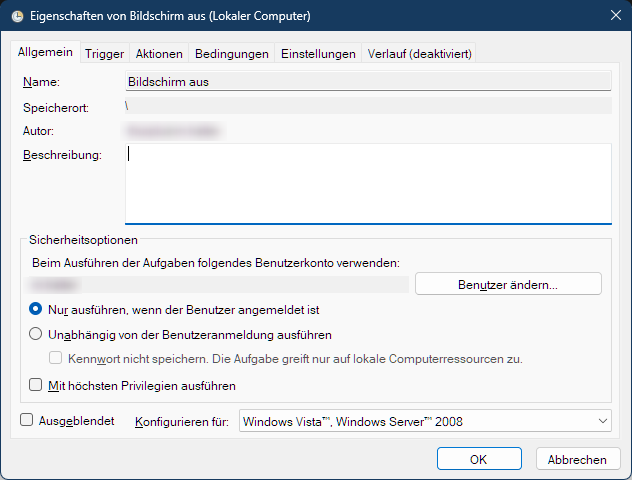
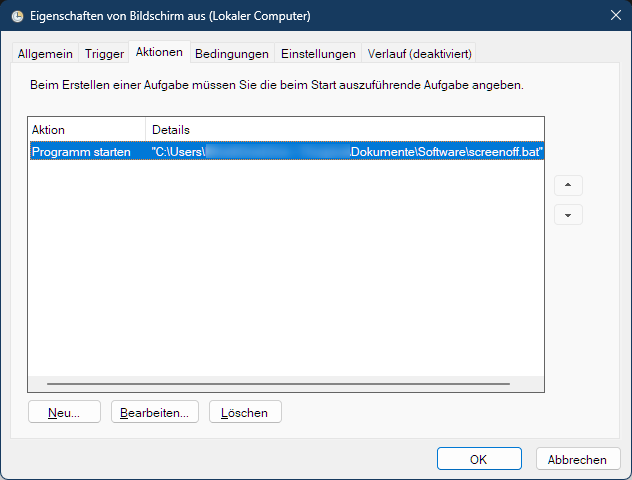
Because I don’t know how to send powershell commands from a task, I used a bat 🙂
@echo off
echo Der Bildschirm wird in den Ruhezustand geschickt!
powershell (Add-Type '[DllImport(\"user32.dll\")]^public static extern int SendMessage(int hWnd, int hMsg, int wParam, int lParam);' -Name a -Pas)::SendMessage(-1,0x0112,0xF170,2)